When selecting modern outreach infrastructure, analyzing activecampaign pros and cons is a vital step for scaling companies. Choosing an automation engine means balancing sophisticated data handling with daily maintenance demands. At Best Coupon Blogs, we assess core software features against practical everyday challenges to help teams invest wisely.
ActiveCampaign blends advanced behavioral triggers, integrated deal pipelines, and granular subscriber segmentation into one unified hub. Understanding its strengths and drawbacks ensures your company sidesteps configuration headaches while scaling customer lifecycle messaging.
Quick verdict: Earning an 8.0 out of 10 in our benchmark, ActiveCampaign is exceptional for operations requiring intricate decision-tree journeys and linked sales tracking. However, it is oversized for solo senders seeking basic periodic blasts with minimal oversight.
| Metric | Summary Details |
|---|---|
| bestcouponblogs score | 8.0 out of 10 |
| Best for | Teams that require multi-stage automated contact nurturing and structured deal tracking |
| Not ideal for | Solo senders who only distribute simple monthly broadcasts without automated segmentation |
| Key strengths | Automated visual workflow logic, contact lifecycle segmentation, and unified contact interaction histories |
| What to check before buying | Confirm user seat provisions, contact contact-tier thresholds, and required feature access on the official vendor portal |
Evaluation Framework and Testing Methods
Our review protocol examines ActiveCampaign's capabilities, primary audience alignment, and relative marketplace standing across seven defined metrics: feature breadth, system accessibility, cost efficiency, ecosystem integrations, user targeting, customer assistance, and competitive leverage. Because tier packages and limits evolve, verify specific details on the vendor site prior to purchasing. This piece was structured using AI research tools, followed by thorough editing from our editorial team.
Overview: Weighing Strengths Against Tradeoffs
Examining ActiveCampaign means contrasting its rich conditional paths against its initial implementation overhead. The platform combines newsletter broadcasting, automated journeys, and deal tracking in an integrated environment.
On one side, users enjoy powerful sequence builders driven by web activity, recipient interaction, and pipeline milestones. Conversely, mastering this branched logic demands structured onboarding, and operators must prioritize routine database cleanliness.
In the wider Marketing ecosystem, businesses regularly weigh ActiveCampaign alongside alternatives like Mailchimp, HubSpot, and Brevo. Each tool addresses specific operational priorities ranging from elementary layouts to sophisticated lifecycle management.
Core Advantages of the Platform

ActiveCampaign's main appeal lies in its versatile journey builder and unified subscriber activity logs. The following areas demonstrate where the system provides distinct operational value.
Visual Builder with Advanced Branching Logic
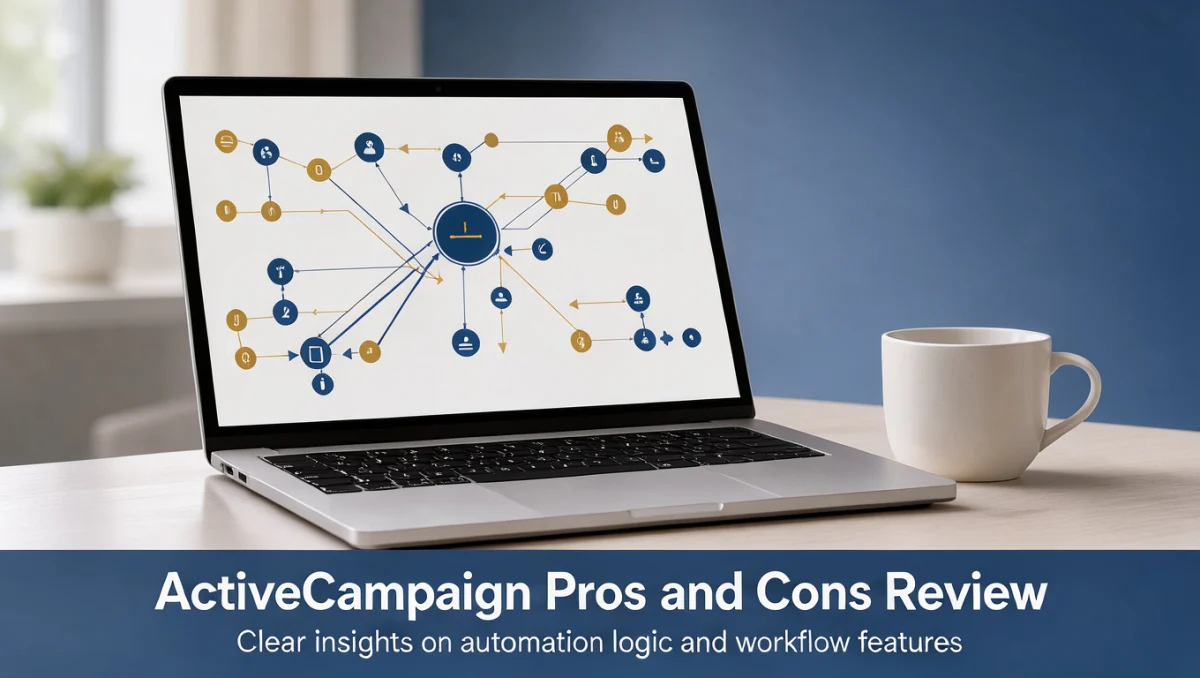
The visual automation designer serves as the core of the software. Users can construct sophisticated pathways incorporating multifaceted conditions, split tests, goal evaluations, and external webhook calls to route contacts through personalized funnels.
By mapping out complete customer lifecycles across conditional splits, teams build comprehensive onboarding flows without writing custom software. Real-time behavioral cues update contact profiles dynamically while instantly deploying targeted communications.
Precise Audience Filtering and Real-Time Tagging
Subscriber categorization utilizes a flexible structure of custom attributes and automatic tags. Marketers can dynamically attach metadata based on URL clicks, page visits, and custom operational triggers.
This level of precision guarantees tailored content that mirrors individual recipient interests. With dynamic content blocks altering outgoing emails per segment parameters, teams avoid producing repetitive campaigns for varied audiences.
Synchronized Deal Stages and Sales Tracking
Marketing engagement connects smoothly to deal progression inside the platform. Sales representatives can monitor relationship timelines, review past correspondence, and assign actionable tasks across customizable sales stages.
Automated rules can transition leads through pipeline stages or prompt follow-up tasks when contacts exhibit strong buying signals. This cohesion between outreach sequences and deal stages streamlines handoffs between lead acquisition and sales execution.
Consolidated Subscriber Engagement Timelines
Each profile centralizes a complete historical timeline encompassing message opens, submitted forms, visited pages, and internal team notes. This consolidated dossier arms staff with full context before initiating one-on-one outreach.
Unifying historical data within a single screen prevents informational bottlenecks between team members. It also enables automated conditions to inspect earlier actions before triggering appropriate downstream responses.
Key Limitations and Usability Challenges

Despite its vast capabilities, specific implementation challenges exist. Identifying these hurdles early enables teams to prepare effective operational routines.
Noticeable Setup Complexity
The abundance of conditional branches, event triggers, and system actions can create a steep curve for novice users. Setting up complex multi-tier sequences without a roadmap risks conflicting tag logic and misdirected messages.
To minimize issues, teams should outline their categorization schema and lifecycle flowcharts externally before creating sequences inside the builder. Launching simple linear paths before adding branching logic prevents fundamental routing errors.
Dense Administrative Interface
Navigating through the multi-layered settings, pipeline views, contact records, and automation panels can challenge casual users who just need to publish quick emails. Retrieving niche performance data or custom segment filters often requires clicking through nested menus.
Establishing clear procedural guidelines for routine tasks solves this friction. Limiting master administrative permissions and appointing specialized coordinators to supervise automations keeps the workspace orderly for casual contributors.
Ongoing Database Organization Overhead
Because custom properties and tags can be created rapidly, keeping contact lists tidy requires continuous administrative oversight. Without disciplined management, duplicated markers and redundant segments pile up, creating confusion during list filtering.
Implementing recurring data hygiene schedules resolves this problem. Teams should review active tags every quarter, retire inactive sequences, and enforce unified labeling rules across upcoming campaigns.
Feature Breakdown and Operational Tradeoffs
This reference matrix summarizes the functional benefits, practical constraints, and recommended practices when working with ActiveCampaign.
| Operational Category | Primary Platform Advantage | Practical Platform Limitation | Recommended Management Approach |
|---|---|---|---|
| Automation Architecture | Flexible multi-branch customer journey sequences | Complex rule sets can conflict without careful oversight | Map conditional logic on paper before building workflows |
| Data Management | Dynamic tagging and behavioral custom fields | Taxonomy clutter occurs when tags are created haphazardly | Enforce strict naming conventions and conduct quarterly audits |
| Pipeline Alignment | Connected deal stages and automated task routing | Setup requires cross-department coordination | Align marketing and sales definitions before defining triggers |
| Platform Usability | Deep functional control over every contact touchpoint | Steep onboarding curve for non-technical team members | Create standardized workflow templates for recurring campaigns |
| Reporting Visibility | Detailed interaction histories on contact records | Aggregated reporting navigation requires platform familiarity | Bookmark core metrics dashboards and export regular summaries |
Target Audience and Ideal Use Cases
Platform suitability hinges heavily on your team structure, technical comfort, and campaign complexity. Here is how various user types align with ActiveCampaign's feature set.
Solopreneurs and Independent Contractors
Consultants handling service requests alongside product orders can leverage the platform to automate booking alerts, prospect vetting, and client welcome journeys.
However, professionals who merely distribute occasional seasonal broadcasts may find the administrative overhead excessive for their volume. Simpler broadcast software typically provides faster turnaround for straightforward dispatches.
Growing Business Operators
Entrepreneurs managing structured lead funnels gain immense value from dynamic nurturing sequences and synchronized deal tracking. The platform consolidates prospects without demanding disconnected systems for email outreach and customer logging.
Business leaders must designate at least one staff member to supervise journey logic and list hygiene. Without a clear owner, automated paths can quickly drift out of alignment.
Growth Marketers and Funnel Designers
Specialists orchestrating multi-step conversion funnels extract supreme value from ActiveCampaign. Capabilities like split-testing automations, filtering by behavioral markers, and customizing dynamic modules grant the control needed for performance refinement.
Specialists can also design lead-scoring matrices that flag prospective buyers for timely sales follow-up, boosting the effectiveness of blended marketing campaigns.
Internal Operations and Support Teams
Staff managing transactional notifications, attendee registrations, and task distribution can eliminate repetitive chores through automated triggers.
That said, internal communication routines devoid of lead nurturing or customer tracking rarely warrant an advanced marketing platform. Standard productivity suites handle internal coordination with significantly less setup.
Academic Users and Learners
Students exploring modern marketing can understand customer lifecycle management, behavioral branching, and automated messaging logic through this environment.
Nonetheless, operating a live business account is unnecessary for purely academic training. Learners should weigh whether simulated sandboxes or theoretical coursework sufficiently satisfy their educational goals before funding ongoing subscriptions.
When to Explore Alternative Tools
Teams needing only occasional, uniform broadcasts without deep behavioral tracking should steer clear of an intricate automation platform. In these instances, basic newsletter builders provide swift publishing with minimal operational drag.
Likewise, large enterprises seeking heavily custom database configurations with rigid enterprise compliance should evaluate whether enterprise-focused platforms match their operational scale more effectively.
Common Questions Regarding ActiveCampaign
What elements should buyers prioritize when evaluating automation capabilities?
Organizations should consider whether their outreach relies on standard blast updates or behavior-triggered journeys. Systems equipped with visual sequence canvases and deep tagging shine when leads need multi-step follow-ups, whereas standard newsletter services suffice for basic notices.
How should businesses plan for tier expansions over time?
Teams must measure forecasted subscriber growth against the plan boundaries outlined on ActiveCampaign's pricing tiers. Because contact tiers drive monthly platform costs, periodically pruning non-responsive subscribers maintains list efficiency and predictable spend.
When is a formal setup period necessary before campaign deployment?
A planned onboarding window is necessary when deploying branching logic, pipeline transitions, and event-based tagging frameworks. Dedicating time to establish standard naming systems and test triggers minimizes message misfires and journey conflicts.
What associated costs should organizations prepare for?
Organizations should account for content creation, copywriting resources, email validation services, and internal staff training. Reviewing optional add-ons, CRM connectors, and reporting modules on the official site helps avoid surprise expenses during rollout.
Comprehensive Scorecard and Strategic Verdict
Our review underscores ActiveCampaign's role as a robust automation and pipeline suite built for expanding teams. Choosing the ideal solution means balancing deep functionality with team bandwidth.
| Criterion | Score /10 | Reason |
|---|---|---|
| Features | 9.0 | Offers deep workflow logic, conditional branching, dynamic tagging, and integrated deal pipelines. |
| Ease of Use | 7.0 | Presents a noticeable learning curve and complex navigation for casual campaign creators. |
| Pricing and Value | 7.5 | Delivers solid returns for active funnels, though buyers must review tier thresholds carefully. |
| Integrations | 8.0 | Connects smoothly with common external commerce, content, and form systems across standard stacks. |
| Audience Fit | 8.5 | Matches the requirements of small-to-medium teams focused on systematic lifecycle nurturing. |
| Support | 7.5 | Provides documentation and direct assistance channels that buyers should confirm on the official portal. |
| Competitive Position | 8.5 | Holds a strong functional posture against rivals like Mailchimp and HubSpot for automation-centric setups. |
Overall score: 8.0 out of 10
ActiveCampaign remains an excellent, dependable tool for businesses prepared to build structured conversion funnels, behavior-based segmentation, and organized deal tracking. If your strategy involves only simple monthly announcements, simpler newsletter builders are preferable. If your funnel demands automated, responsive customer experiences, ActiveCampaign provides the precise logic required to drive performance.
For further advice on selecting software or tailoring your martech stack, get in touch with our team via our contact form or connect with us on professional networks.