bestcouponblogs may earn a commission when you buy through links on this page, at no extra cost to you. This does not affect our ratings.
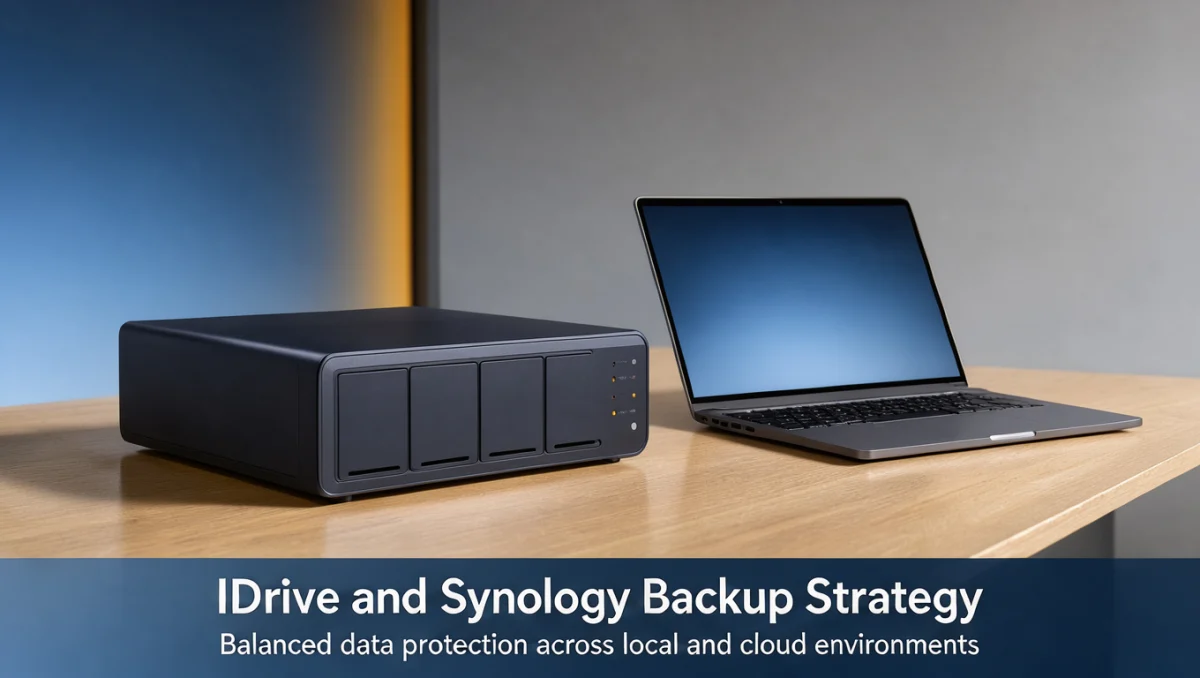
Few data protection setups are as practical as combining idrive and synology into one workflow. The two tools cover different ground: one keeps working files close at hand on your office network, the other sends encrypted copies to a distant data center. Together they form a safety net that survives both a failed disk and a damaged building.
Our editors at Best Coupon Blogs looked at how this pairing performs in everyday administration, setting aside promotional claims and focusing on how it behaves under real working conditions.
| Metric | Summary |
|---|---|
| bestcouponblogs score | 8.0/10 |
| Best for | Teams that want layered redundancy across local and remote destinations |
| Not ideal for | Solo users who only handle occasional light document sync |
| Key strengths | Cross-environment data redundancy and unified repository management |
| What to check before buying | Storage quota limits, hardware bay requirements, and bandwidth overhead |
1. How bestcouponblogs Reviewed IDrive and Synology
We assessed both platforms against seven criteria: features, ease of use, pricing and value, integrations, audience fit, support, and competitive position. Plans, prices and storage limits change frequently, so confirm current figures on each vendor's official site before purchasing. This article was researched and drafted with AI assistance, then reviewed and edited by the bestcouponblogs Editorial Team.
2. The Roles of Each Platform in Data Protection
IDrive is a cloud backup service built to safeguard computers, servers and attached drives by sending their data to remote storage. Synology manufactures network attached storage devices and their operating software, which together serve as a private file server, media library and shared network drive inside your premises.
In a well-planned backup design, the two are usually used side by side. Local storage handles quick everyday access across the office network, while scheduled secondary copies travel to off-site cloud servers to meet offsite safety expectations. They complement each other rather than compete.
3. Core Storage and Redundancy Capabilities
3.1. Local Control and Private Management
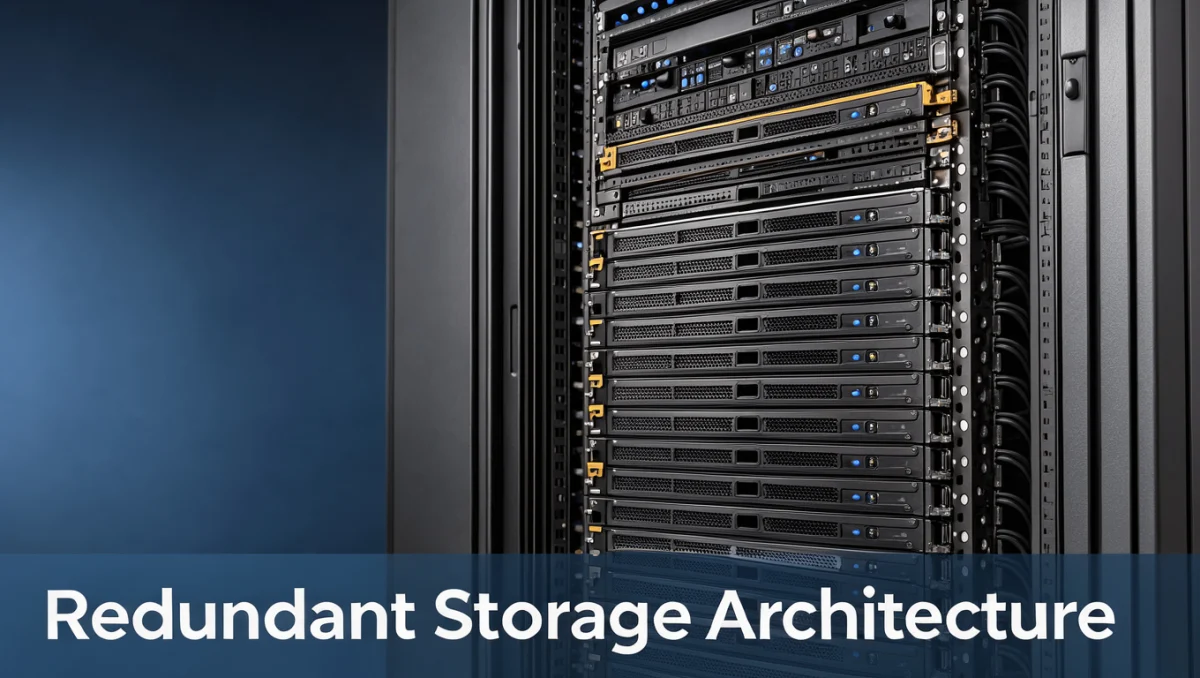
On-premises hardware keeps your primary files under your own roof. A network attached unit on the internal LAN delivers low-latency transfers for editing shared media, collaborating on team assets and working with active databases.
Administrators control drive layouts, folder permissions and access logs across office workstations without depending on external internet bandwidth for routine tasks.
3.2. Remote Archiving and Cloud Preservation
Cloud backup platforms send secondary snapshots over encrypted connections to distant data centers. Background routines keep earlier versions of changed documents, protecting your archive from fire, theft or equipment failure on site.
Recurring schedules can be set so that snapshots upload outside working hours, avoiding interference with daily operations.
4. Ease of Use and Administrative Workflow
Running an on-premises server alongside a cloud backup client means working with two interfaces and some network configuration. Physical setup involves initializing disk arrays, creating volumes and assigning static addresses on your router.
Cloud management involves choosing retention rules, file selection paths and bandwidth throttling in a software dashboard. For teams evaluating tools in the Collaboration & Productivity category, ease of use depends largely on whether you have an in-house systems manager or rely on non-technical staff.
Non-technical users should expect a learning curve when mapping drives, setting permissions and deploying sync agents across several workstations.
5. Pros and Cons of a Combined Storage Strategy
5.1. Advantages of Layered Redundancy
- Copies in two locations mean a single device failure will not wipe out your only version of critical files.
- Local recovery is fast, keeping downtime short after minor workstation problems.
- Off-site archives keep the business running if the office is seriously damaged or inaccessible.
- Flexible scheduling lets you limit bandwidth use during busy daytime hours.
5.2. Challenges and Operational Demands
- Hardware needs physical space, a clean power supply and adequate ventilation.
- Off-site uploads are limited by your upstream broadband speed, which should be checked with your internet provider.
- Administrators need to review job logs regularly to confirm that snapshot tasks complete without errors.
6. IDrive and Synology in the Competitive Landscape
The data protection market offers many routes to business continuity and archive integrity. Organizations frequently weigh this combination against all-in-one cloud productivity suites and rival hardware vendors.
| Solution Type | Target Environment | Core Focus | Consideration Factor |
|---|---|---|---|
| Cloud Backup Services | Cross-device remote endpoints | Off-site geographic redundancy | Check monthly data allotment terms |
| Local Network Hardware | On-premises office networks | High-speed local collaboration | Check physical bay expansion limits |
| Hybrid Commercial Platforms | Multi-site enterprise teams | Synchronized enterprise workflows | Check infrastructure deployment costs |
Backblaze and CrashPlan offer alternative off-site archiving software, while QNAP and TrueNAS provide other hardware and operating system options for local storage. Choosing between a hybrid setup and a pure cloud platform depends on data volume, retrieval speed requirements and compliance obligations.
7. Who Should Implement This Storage Arrangement
7.1. Small Business Owners and Professional Studios
Creative studios working with large video files, graphic projects and client portfolios benefit from fast local access combined with automatic off-site archiving. Keeping active drafts on local storage avoids upload delays during editing, while background cloud copies preserve finished milestones.
7.2. Remote Operators and Distributed Freelancers
Independent professionals who manage important client records can run a compact unit at a home base and rely on cloud software to ingest scheduled system images. This separation protects intellectual property from hardware corruption without constant manual effort.
7.3. Users Better Served by Simpler Alternatives
People who mainly handle basic spreadsheets, casual notes and a few images may find physical network storage more complicated than they need. For them, a hosted cloud sync folder usually covers daily needs with far less administration.
8. How to Plan Your Backup Deployment
| What to Check | Why It Matters |
|---|---|
| Upstream Internet Speed | Slow upload bandwidth delays large initial remote backup jobs |
| Raw Drive Capacity | Local drives require adequate headroom for snapshot growth and parity |
| Data Retention Rules | Archival policies determine how long deleted or altered versions remain accessible |
| Electricity Protection | Uninterruptible power units prevent disk volume corruption during sudden outages |
Before buying hardware or a subscription tier, estimate your total storage needs for the coming year. Building annual file growth into your capacity plan helps you avoid a mid-year storage shortage.
9. Frequently Asked Questions
9.1. What should buyers check regarding upload bandwidth before setup
Confirm the average upstream speed in your internet service contract. Large initial transfers can tie up a slow connection for several days. Check whether the backup software offers scheduled bandwidth throttling so office internet performance stays steady during business hours.
9.2. How do teams determine the total storage volume required
Add up the current file sizes across all primary workstations and network shares, then add a buffer for revision history and growth. Retention policies that keep past versions consume extra space beyond your current data. Estimating annual expansion helps you avoid premature tier upgrades.
9.3. Why is an uninterruptible power supply recommended for local storage
An uninterruptible power supply prevents abrupt shutdowns during unexpected outages. A sudden power loss while disks are writing file tables can corrupt data or break a storage volume. A battery unit gives local hardware enough runtime to shut down safely and automatically.
9.4. How often should backup restoration routines be verified
Test archive restoration on a quarterly schedule. Automated backups do not guarantee file integrity until you perform test downloads and verify the recovered files. Periodic restore drills confirm that encryption keys, network routes and file structures still work before a real emergency.
10. Final Verdict and Rating Summary
| Criterion | Score /10 | Reason |
|---|---|---|
| Features | 8.5/10 | Provides comprehensive data safety by combining physical local control with remote archives. |
| Ease of Use | 7.0/10 | Requires technical familiarity with disk formatting, network shares, and remote client settings. |
| Pricing and Value | 8.0/10 | Buyers should verify current hardware retail prices and ongoing cloud subscription costs. |
| Integrations | 7.5/10 | Users should confirm client package availability directly on official repository portals. |
| Audience Fit | 8.5/10 | Serves creative studios, small firms, and self-employed professionals with critical data. |
| Support | 7.5/10 | Customers should confirm support response channels and documentation options before purchase. |
| Competitive Position | 9.0/10 | Represents an established standard for balanced local and off-site data protection architectures. |
Overall score: 8.0/10
Running IDrive alongside Synology hardware gives you a strong defense against drive failures, office emergencies and file corruption. Before investing, assess your technical capacity, calculate ongoing storage needs and confirm subscription terms on the vendor websites.
Have questions about building your backup workflow? Contact our team through Best Coupon Blogs or follow our updates on LinkedIn.