Best Coupon Blogs may earn a commission when you buy through links on this page, at no extra cost to you. This does not affect our ratings.
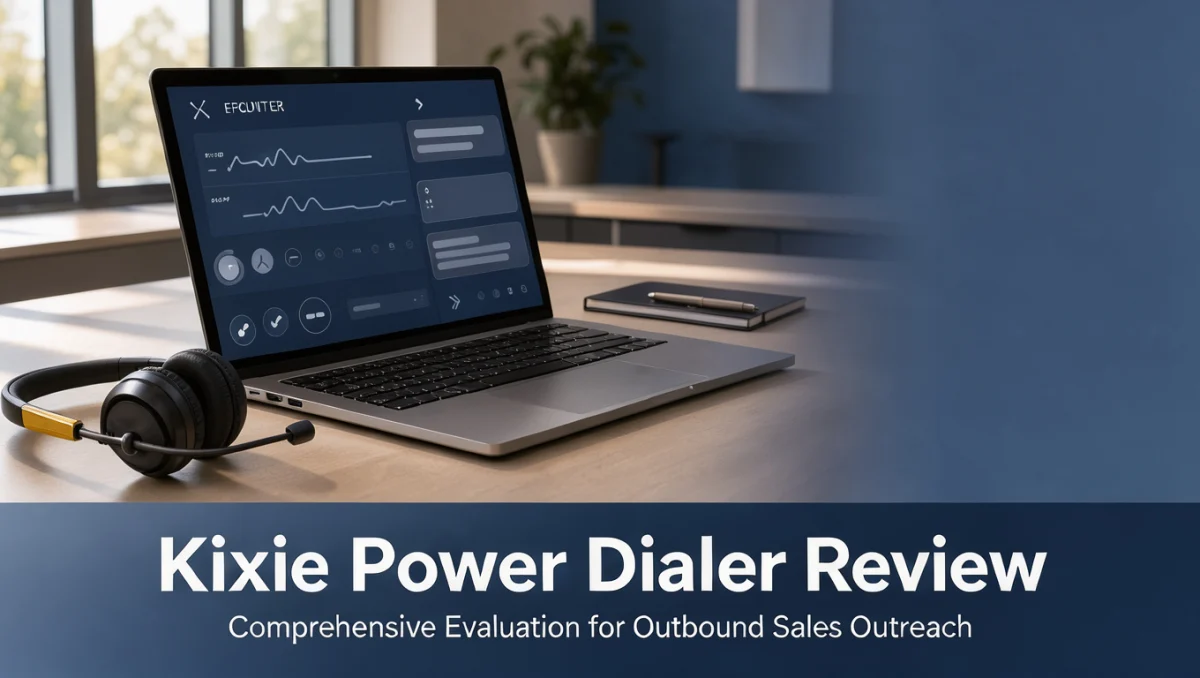
Outbound sales reps who spend hours dialing manually often look for ways to speed up their day. The kixie power dialer is built for exactly that purpose, automating repetitive call routines so teams can focus on conversations. In 2026, choosing sales communication software means looking past marketing claims and checking how a tool actually performs in daily calling work. Our review asks whether this platform delivers practical advantages for structured calling campaigns.
Outbound phone outreach brings its own headaches: record keeping, delays between dials, and messy contact lists. Dedicated dialing software helps by organizing call cadences and consolidating interaction history in one place. The right choice depends on team size, call volume, and how well the tool fits your existing customer relationship management setup.
Quick verdict: With an overall score of 7.7/10, the kixie power dialer works well for structured outbound sales representatives who need a steady flow of calls and automatic activity logging. Teams with low call frequency, or solo professionals who need basic telephony, may find simpler communication tools a better fit.
| Metric | Evaluation |
|---|---|
| Best Coupon Blogs score | 7.7/10 |
| Best for | Sales teams running repetitive outbound outreach campaigns |
| Not ideal for | Solo professionals who only place occasional manual calls |
| Key strengths | Automated outbound dialing, call workflow logging, and contact communication management |
| What to check before buying | Per-seat subscription terms, calling credit structures, and CRM connection compatibility on the official Kixie website |
1. How Best Coupon Blogs Reviewed the Kixie Power Dialer
This review covers what the kixie power dialer is designed to do, who it serves, and how it compares with similar tools. We assessed it against seven criteria: features, ease of use, pricing and value, integrations, audience fit, support, and competitive position. Plans, prices, and limits change often, so we note what to confirm on the official website before buying. This article was researched and drafted with AI assistance, then reviewed and edited by the Best Coupon Blogs Editorial Team.
2. What Is the Kixie Power Dialer and Who Is It For
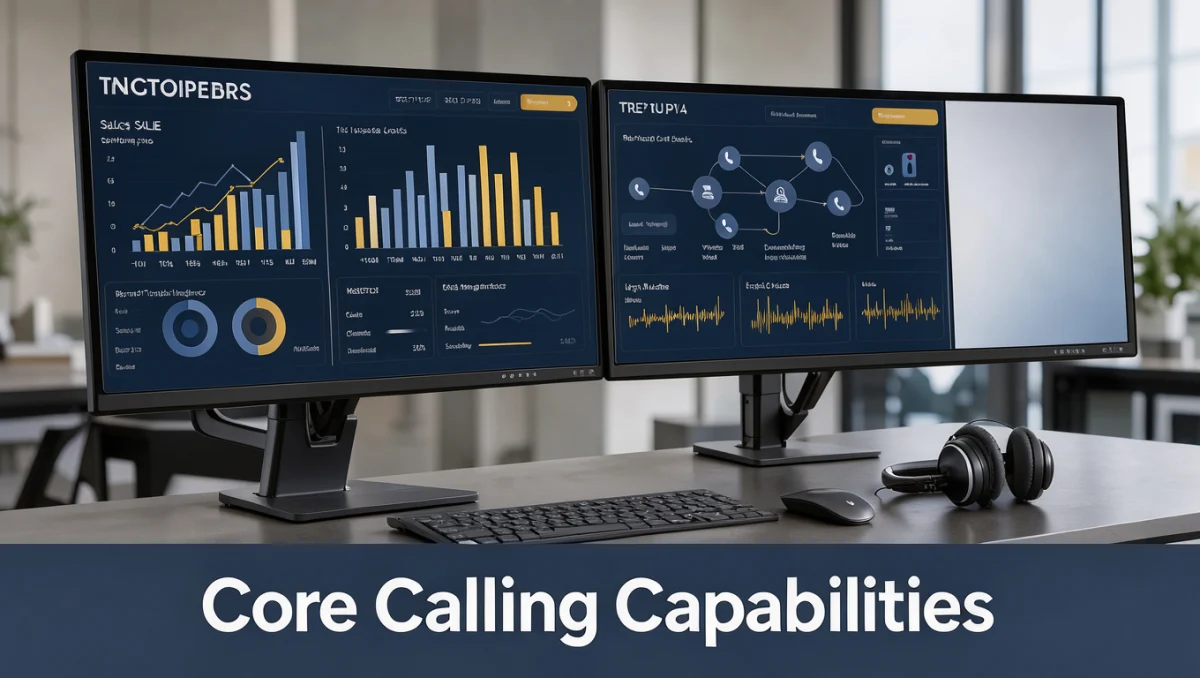
The kixie power dialer is outbound calling software that helps sales teams place calls one after another without manual number entry. Instead of typing numbers from spreadsheets or customer databases, reps work through organized daily queues of prospects.
2.1. Core Operational Purpose
At its core, outbound dialing software automates moving through a list of prospects. Reps working in fast-paced phone environments lose a lot of time entering digits, waiting through ringtones, and updating records. The kixie power dialer brings these steps into one interface designed to cut idle time between conversations.
Effective outreach campaigns also need disciplined coordination across prospect lists. With calling software, teams get systematic contact management, so every prospect in a queue receives call attempts according to the organization's sales cadence.
2.2. Primary User Personas
The platform is aimed mainly at business-to-business sales development representatives, account executives doing phone prospecting, and inside sales groups. These teams typically manage dozens or hundreds of prospect records each week and need consistent phone contact to create revenue opportunities.
Customer success and retention teams that run regular phone check-ins are also a good fit. When teams must reach many customer accounts on a set schedule, structured dialing helps maintain steady contact across a broad client portfolio.
3. Core Features of the Kixie Power Dialer
Evaluating telephony platforms means looking at the functional components that shape daily rep activity. Tools in this category generally focus on call sequencing, data synchronization, and handling outbound conversations within sales environments.
3.1. Automated Outbound Calling Queues
The central capability of the kixie power dialer is queue-based outbound calling. Reps load contact lists or pull records directly from an active database, and the software starts dials in automatic succession. This removes manual phone handling and keeps the rep focused on live conversations.
Call automation systems also handle unanswered calls, for example through voicemail drop workflows. Instead of sitting through a full voicemail greeting to leave a repetitive message, reps can trigger a pre-recorded audio message and move straight to the next prospect.
3.2. Contact and Activity Management
Keeping clear historical records of every prospect interaction is critical for high-volume sales organizations. The kixie power dialer tracks call durations, outcomes, and rep notes alongside contact records, building a detailed communication timeline for each prospect.
Call dispositioning lets reps tag each conversation as soon as it ends. Standard disposition categories, such as interested, gatekeeper reached, or bad timing, help sales managers keep accurate oversight of campaign results.
3.3. Sales Team Productivity Tools
Coordinating distributed calling teams requires visibility into team activity and campaign pacing. Telephony management systems aggregate outreach indicators, helping supervisors assess call completion rates and queue throughput during active calling blocks.
Collaborative calling structures also let managers listen in on live conversations for coaching and quality assurance. Shared call oversight makes it easier to onboard junior reps and keep messaging consistent across the revenue organization.
4. Ease of Use and Learning Curve
Adopting any sales communication software changes how a team works, and it requires proper training. Telephony systems differ widely in interface complexity, configuration needs, and everyday comfort for users.
4.1. Onboarding and Initial Configuration
Setting up an outbound dialing system involves connecting user credentials, configuring phone numbers, and aligning field mappings with your main customer database. Organizations evaluating the kixie power dialer should plan administrative prep before reps start dialing live campaigns.
Teams with dedicated technical administrators usually get through setup smoothly. Organizations without that resource should allow time to verify audio settings, hardware compatibility, and internal routing rules.
4.2. Daily Workflow Experience
From the rep's point of view, an intuitive dialing interface reduces mental load during heavy calling blocks. Outbound callers need simple click actions, clear call status indicators, and clean layouts that show prospect details during active conversations.
When software has too many nested menus or cluttered screens, dialing speed drops. Reviewing the interface on official demo materials helps organizations gauge how quickly new staff can reach regular calling productivity.
5. Pros and Cons of the Kixie Power Dialer
Weighing functional advantages against operational trade-offs helps buyers choose software that matches realistic business expectations. No outreach system meets every requirement without some compromise.
5.1. Key Advantages
- Removes manual number dialing, increasing time spent in live prospect conversations.
- Automates disposition logging and call history tracking to support clean database management.
- Offers structured queue management, keeping outreach cadences organized across rep assignments.
- Gives supervisors visibility into team calling benchmarks and campaign pacing.
5.2. Potential Drawbacks
- Requires ongoing subscriptions that scale per active user seat, which affects departmental budgets.
- Depends on stable hardware and reliable local network connectivity to keep audio quality clear.
- Can create workflow friction if contact list hygiene is poor or prospect data contains unverified numbers.
- Needs disciplined team management to avoid caller fatigue during long, repetitive calling blocks.
6. Kixie Power Dialer vs Similar Tools
The outbound sales telephony market includes several established platforms, each suited to different operating models and business sizes.
6.1. Comparison with PhoneBurner
PhoneBurner is an established alternative focused mainly on power dialing workflows that don't require physical telephony installations. It emphasizes queue-based outbound calling and integrated contact management for distributed sales teams.
Organizations choosing between the two should compare per-seat operational mechanics. Some teams prioritize particular queue navigation styles, so testing interface interaction during trial evaluations is important.
6.2. Comparison with Dialpad
Dialpad is a broader cloud communications platform that includes business phone systems, meeting hosting, and contact center capabilities. While it offers outbound sales tools, its core scope covers company-wide business telecommunications.
Teams looking for one all-in-one telephony platform for internal and external calls often evaluate Dialpad, while organizations focused on dedicated outbound prospecting queues tend to choose specialized dialers like Kixie.
6.3. Comparison with Aircall
Aircall positions itself as a sales and customer support calling system for modern distributed offices. It focuses on collaborative call routing, shared inboxes, and integration with customer service software.
Although Aircall provides outbound calling tools, its design balances outbound prospecting with inbound support queues. Teams doing high-tempo outbound prospecting often need the specialized sequencing of a dedicated power dialer.
7. Who Should Use the Kixie Power Dialer
Whether this software fits your situation depends on outreach volume, organizational structure, and team responsibilities.
7.1. Outbound Sales Teams
High-volume outbound sales organizations get the most value from structured dialing software. When reps spend large parts of their day cold calling and following up, automated dialing reduces manual fatigue and keeps contact rhythms consistent.
7.2. Small Business Owners
Small business operators running in-house lead generation can use a power dialer if phone outreach is a primary acquisition channel. However, if most business comes from inbound digital marketing or referrals, the fixed cost of specialized calling software may outweigh the benefit.
7.3. Marketing and Lead Generation Specialists
Lead qualification specialists who verify event registrations, content downloads, and outbound marketing lists benefit from quick phone qualification. Dialing queues let them verify prospects rapidly before passing qualified opportunities to senior sales consultants.
7.4. Solo Professionals and Freelancers
Independent professionals, freelancers, and solo operators usually don't need a dedicated power dialer. The recurring cost, setup effort, and high-volume design are disproportionate for someone placing only a few calls a day.
8. How to Choose the Right Plan
Subscription models for outreach telephony software vary by feature tier, minimum seat count, and usage allowances. Reviewing the key buying criteria helps prevent unexpected cost increases.
| What to check on the official website | Why it matters for your business |
|---|---|
| Per-user subscription pricing | Monthly costs multiply directly as sales development headcount grows. |
| Calling minute and credit allotments | Some plans impose usage limits or charge per-minute fees for domestic and international calls. |
| Customer relationship management synchronization | Data handoffs between your calling tool and central database determine administrative efficiency. |
| Number management and local presence rules | Buying regional caller ID numbers can add recurring administrative fees. |
| Contract term flexibility | Annual upfront commitments lower monthly costs but limit flexibility if staffing levels change. |
9. Frequently Asked Questions
What hardware is needed to run an outbound dialer effectively?
Outbound dialing software requires a reliable computer, a wired high-speed internet connection, and a commercial-grade USB or wireless headset. Built-in computer microphones and unstable wireless connections often add background noise and audio delay that hurt conversation quality.
How do telecommunications regulations affect outbound calling software use?
Outbound sales operations must follow regional telecommunications regulations, national do-not-call registries, and time-of-day calling restrictions. Organizations should set internal compliance policies to confirm prospect consent and keep accurate opt-out records, regardless of what the software can do.
What should businesses budget for beyond base seat licenses?
Beyond base monthly seat fees, organizations should budget for outbound calling minutes, additional phone number purchases, carrier registration fees, and possible database connector costs. Checking total cost factors on official vendor pages prevents accounting surprises.
How should sales leaders measure outbound dialing productivity?
Sales leaders should track outbound performance through connected conversation rates, meaningful prospect interactions, and qualified opportunities generated, rather than relying on total dial counts alone. High dial volume without qualified conversations usually points to targeting problems.
10. Final Verdict
| Criterion | Score /10 | Reason |
|---|---|---|
| Features | 8.3 | Structured automated dialing queues, voicemail drop workflows, and activity recording meet outbound outreach standards. |
| Ease of Use | 7.8 | The calling interface is straightforward for daily dialing, though initial setup requires disciplined administrative configuration. |
| Pricing and Value | 7.2 | Buyers must weigh recurring per-seat costs against expected conversation volume to confirm financial return. |
| Integrations | 7.5 | Database synchronization should be verified against your organization's specific technical software stack. |
| Audience Fit | 8.2 | Serves outbound sales development teams effectively, while being excessive for casual manual phone users. |
| Support | 7.0 | Prospective buyers should confirm available support channels and service hours on official pages. |
| Competitive Position | 7.9 | Keeps a clear focus on outbound power dialing compared with broad multi-channel contact centers. |
| Overall score | 7.7 | A reliable, focused outbound calling solution for structured sales teams that need disciplined outreach automation. |
The kixie power dialer offers dependable value for sales organizations committed to structured outbound phone outreach. Teams hitting manual dialing bottlenecks and data entry backlogs will likely find that automated queues build more disciplined habits. Before purchasing, verify per-seat pricing, calling rate sheets, and database compatibility directly on the official Kixie website.
For more questions about software evaluation, contact the team at https://bestcouponblogs.com/contact/ or follow Best Coupon Blogs on LinkedIn at https://www.linkedin.com/company/bestcouponblogs/.